

In a world where everyone’s a photographer, standing out can feel like trying to find a needle in a haystack. But what if you could transform your iPhone snaps into dreamy, film-like masterpieces? That’s right! With just a few tweaks, you can ditch the digital look and embrace that nostalgic, grainy charm that makes film photography so irresistible.
Understanding Film Aesthetics
Film photography embodies a distinct charm that many find appealing. Achieving this aesthetic requires an understanding of its key characteristics and differences from digital photography.
Characteristics of Film Photography
Film photography captures a range of qualities that define its unique appeal. Soft grain enhances image texture, creating a nostalgic feel. Saturation levels vary, often showcasing rich colors that evoke emotion. Dynamic range, found in most films, preserves detail in shadows and highlights, bringing depth to images.
Differences Between Digital and Film
Digital photography relies on sensors that produce crisp, clean images. Contrast this with film, where chemical reactions create a more organic result. Digital images often appear sharper, while film boasts a softness that many find visually pleasing. Color renditions differ; film often displays warmer tones, adding to its character. Lastly, post-processing in digital photography can alter images significantly, whereas film captures its essence straight from the camera.
Essential Tools and Apps
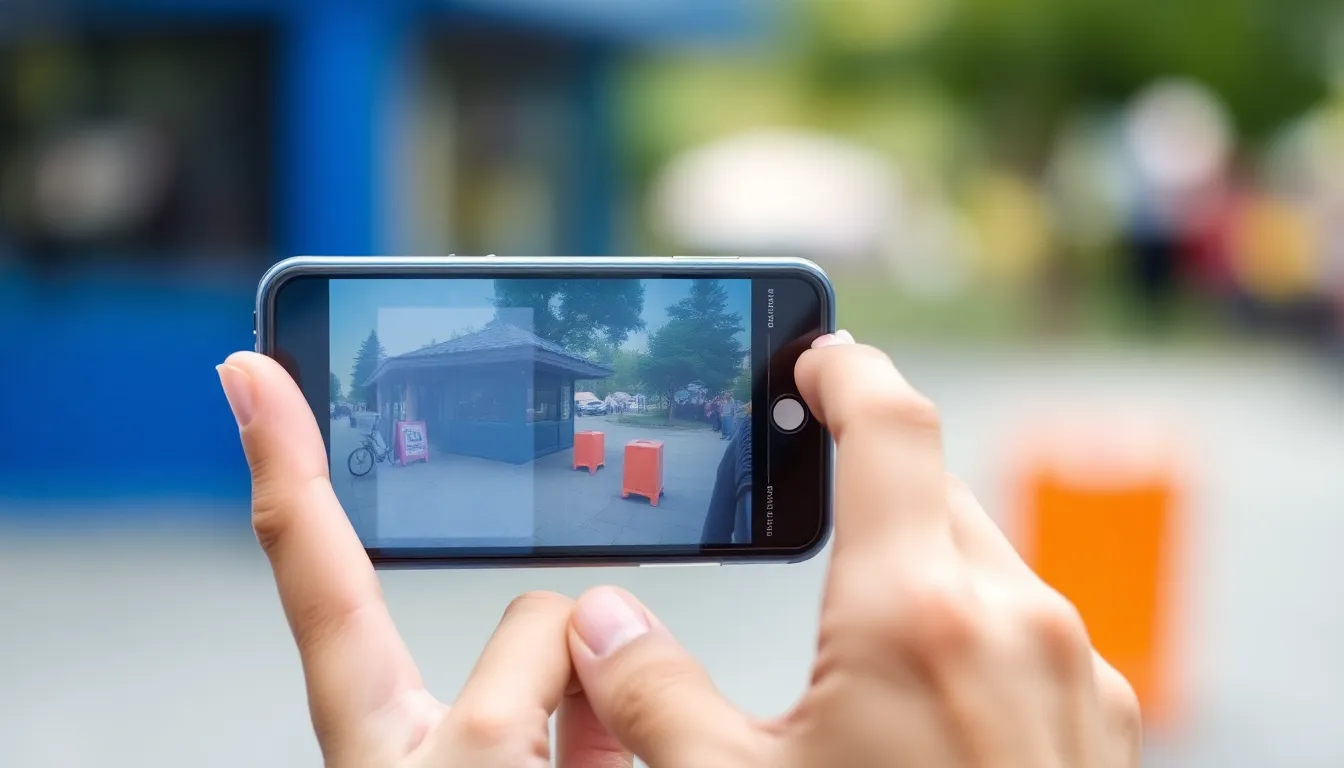
Achieving a film-like aesthetic for iPhone photography requires specific tools and apps. Utilizing the right resources enhances the images, bringing out the desired qualities of film.
Recommended Camera Apps
Various camera apps cater to the needs of mobile photographers seeking a film look. ProCamera offers advanced controls, enabling users to adjust exposure, ISO, and white balance with ease. VSCO combines a user-friendly interface with an array of film-inspired presets. Snapseed allows for detailed editing, including selective adjustments to enhance film grain. Each app brings unique features that can replicate film characteristics effectively.
Film Simulation Filters
Film simulation filters add a professional touch to photos, mimicking the characteristics of traditional film. Apps like Huji Cam create the nostalgic feel of instant film, complete with light leaks. Afterlight provides customizable filters emulating various film stocks. Filmic Pro includes advanced features for video, allowing film-like qualities even in moving images. These filters enhance color warmth and texture, transforming digital images into stunning, film-inspired visuals.
Camera Settings for Film-Like Quality
To achieve film-like quality in iPhone photography, adjusting specific camera settings is essential. Proper exposure and effective focusing techniques contribute significantly to the overall effect.
Adjusting Exposure
Exposure plays a crucial role in mimicking film aesthetics. Overexposing images often results in washed-out colors. Conversely, underexposing can enhance richness and depth, creating a moody atmosphere. Experiment with exposure levels until the desired warmth and contrast appear in the images. Utilizing manual controls available in apps like ProCamera allows for precise adjustments. This app enables finer tuning of exposure, enhancing details especially in shadows. Dark scenes often benefit from increased exposure adjustments, while bright scenes may need reductions to preserve highlight details.
Focusing Techniques
Focusing techniques greatly influence the film-like appearance of photographs. Soft focus, characteristic of film, can be achieved by intentionally blurring backgrounds. This effect draws attention to subjects while creating a vintage feel. Use the iPhone’s tap-to-focus feature to highlight specific areas. Applying a slight blur to backgrounds can emulate the look of old lenses. Experimenting with different apertures in camera apps allows for adjustments in depth of field. This offers control over how sharply subjects appear against softer backgrounds. Overall, altering focus adds a layer of authenticity reminiscent of traditional film photography.
Editing Techniques
Editing techniques play a crucial role in transforming iPhone images into film-like masterpieces. Utilizing specific adjustments can evoke nostalgia and charm.
Color Grading for a Film Look
Color grading enhances tones and mood, crucial for achieving film aesthetics. It’s essential to manipulate colors to create warmth and depth. Tools like VSCO offer preset film filters that provide immediate film-inspired appeal. Users can tweak saturation levels to mimic the less intense colors common in film photography. Adjusting highlights and shadows helps in retaining details while ensuring a balanced look. Implementing split toning further enhances the classic aesthetic, allowing for rich highlights and muted shadows. It’s through these adjustments that the images take on a more artistic, vintage feel.
Grain and Texture Addition
Adding grain and texture brings a tactile element to digital images. Grain mimics the imperfections found in film, creating an authentic vintage look. Apps like Afterlight allow users to control grain intensity for customized results. Texture overlays can also add depth, simulating the surface characteristics of traditional film. Applying light leaks can enhance the nostalgic feel, reminiscent of old photographs. It’s important to ensure that grain levels are natural and not overpowering, thus maintaining overall image quality. In doing so, images gain a timeless quality that digital photography often lacks.
Shooting Tips for Film Vibe
Achieving a film-like aesthetic in iPhone photography requires thoughtful attention to detail. Focus on the elements that matter most in creating that nostalgic feel.
Lighting Considerations
Natural light often yields the best results in film photography. Soft, diffused sunlight during golden hour enhances warmth and creates rich shadows. Experimenting with backlighting can add drama and depth while retaining detail in highlights. Seek shaded areas for softer contrasts, which can mimic the gentle tones found in film images. Overcast conditions often deliver an even light that helps maintain detail in both shadows and highlights. Ultimately, lighting plays a crucial role in shaping the overall mood of your photos.
Composition Techniques
Framing subjects creatively can evoke the classic look of film photography. Use leading lines to guide viewers’ eyes toward the main subject, creating a more engaging image. Consider utilizing the rule of thirds when positioning elements, ensuring a balanced composition. Limited depth of field enhances focus on subjects, drawing attention to specific details. Additionally, incorporating negative space can evoke a sense of nostalgia, reminiscent of traditional film prints. Aligning subjects with distinct foreground or background elements fosters a timeless quality in your photographs.
Transforming iPhone photos into film-like images is an exciting journey that blends modern technology with vintage aesthetics. By utilizing the right apps and techniques, anyone can achieve that nostalgic feel reminiscent of traditional film photography.
Adjusting settings like exposure and focus plays a crucial role in creating depth and warmth in each shot. Coupled with effective editing techniques such as color grading and adding grain, the results can evoke a timeless quality that stands out in today’s digital world.
With a bit of practice and experimentation, photographers can capture the essence of film, making their iPhone photography not only unique but also artistically fulfilling.